Step 1 — Open THE HOSTGURU Website
Go to: thehostguru.com
You will see the Login button in the top-right corner of the homepage.
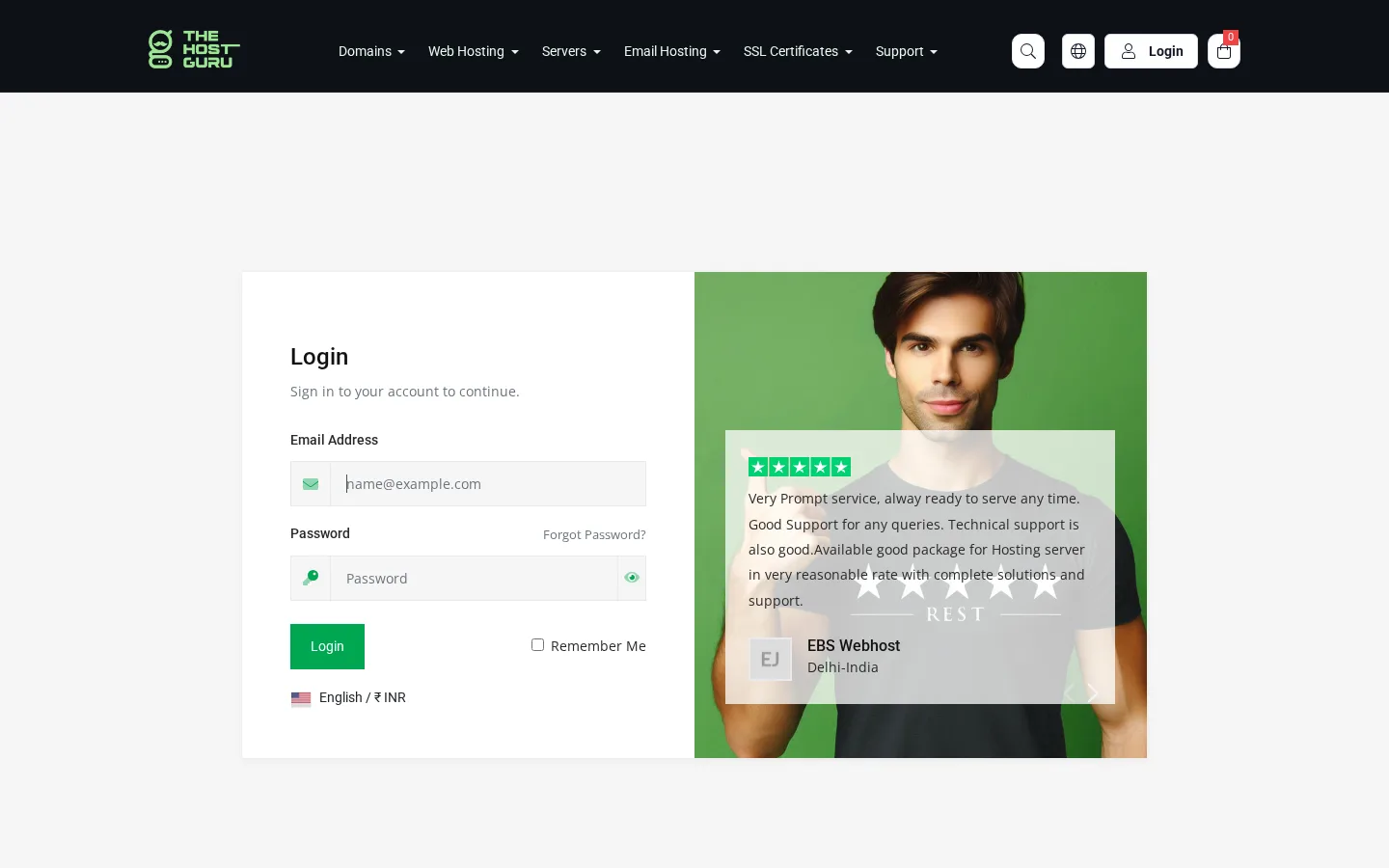
Step 2 — Login Page
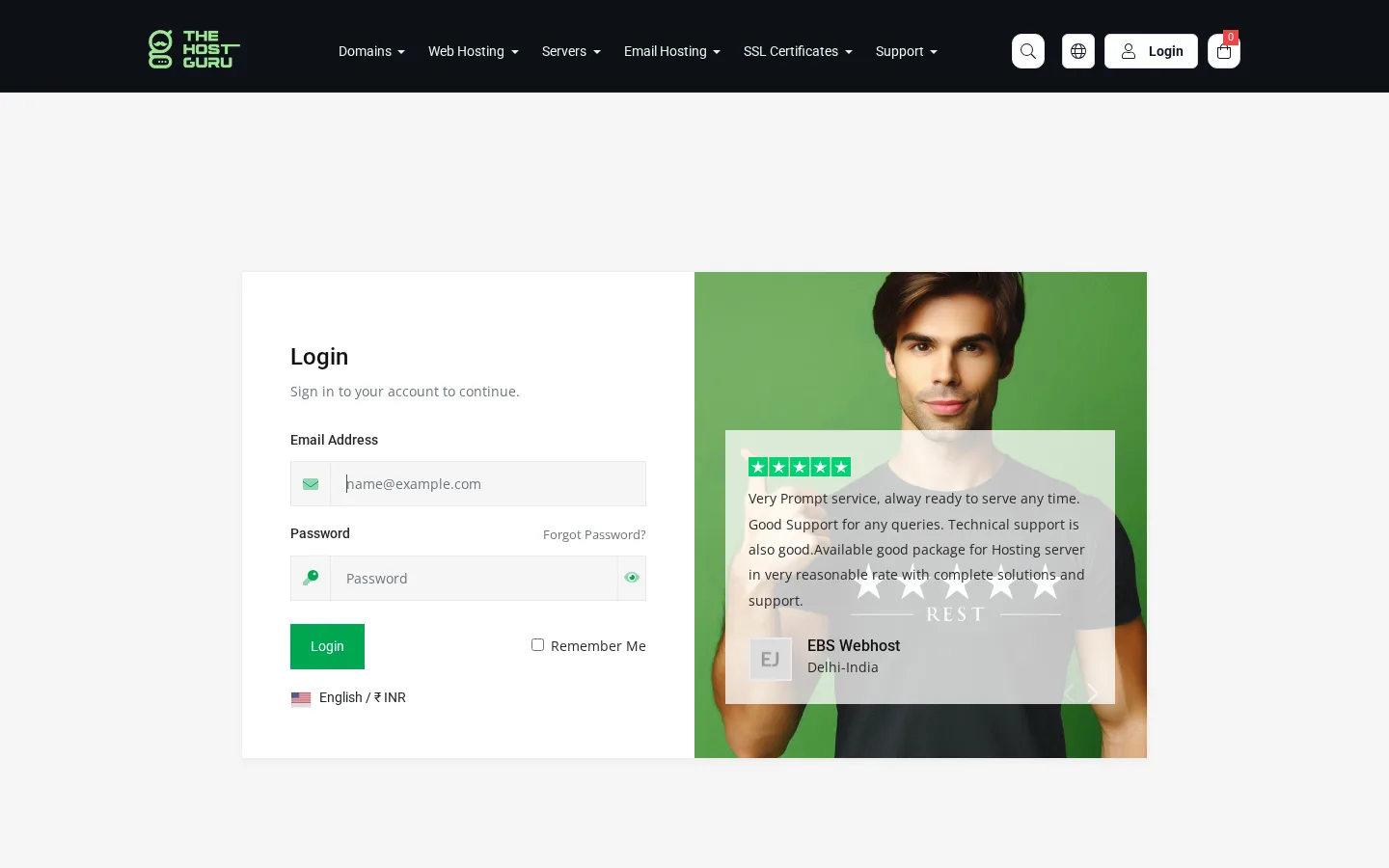
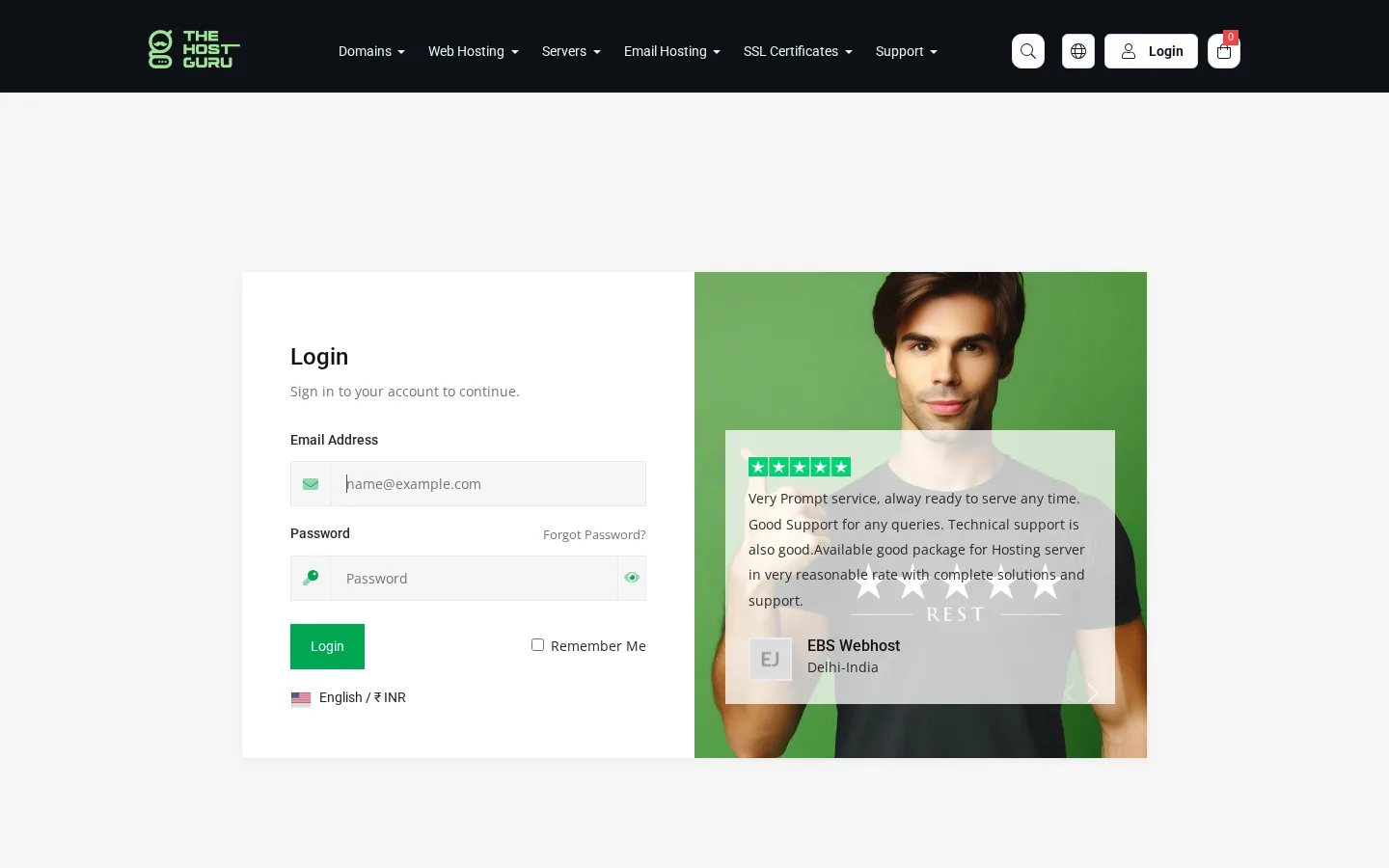
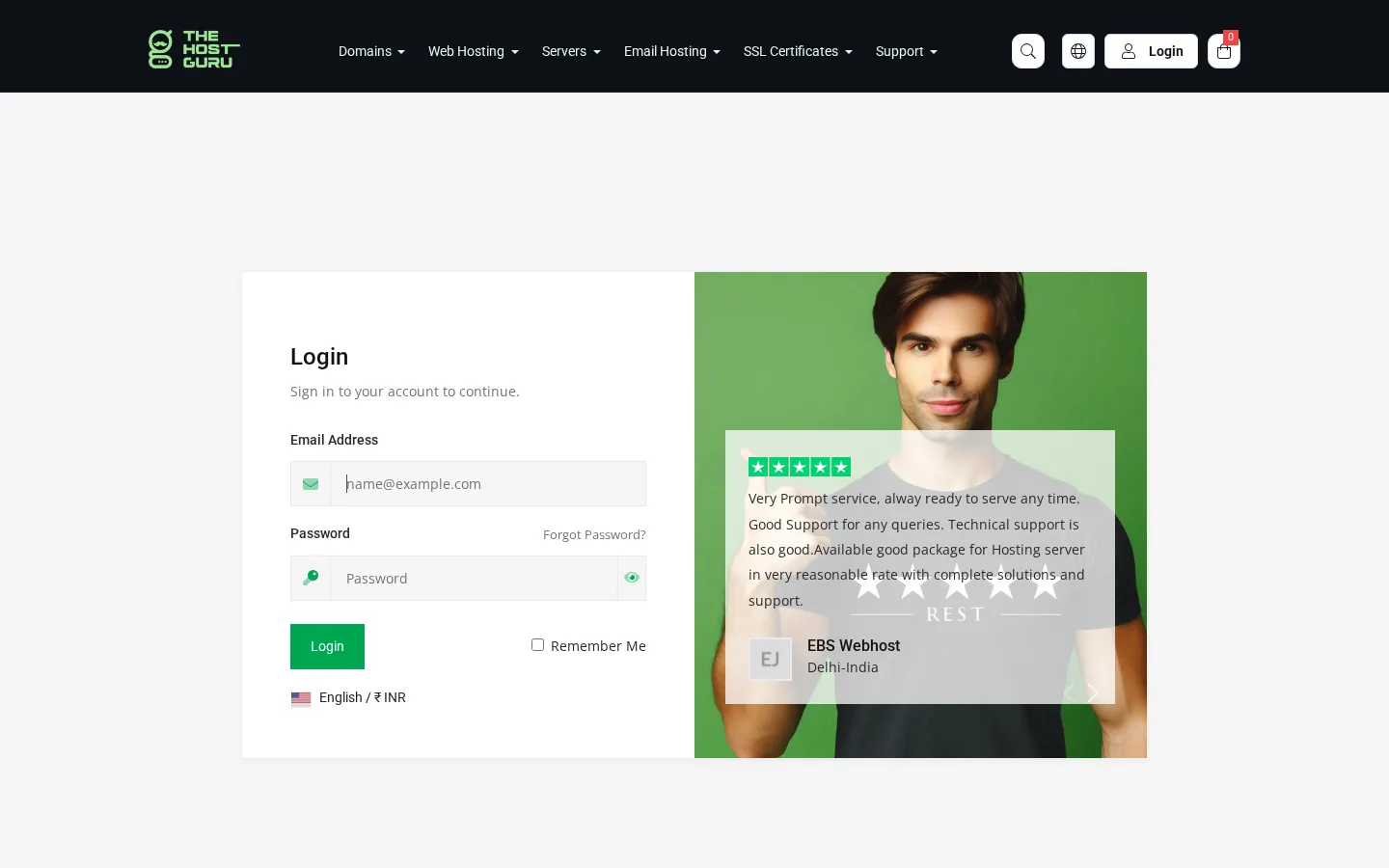
Enter your login credentials on the login page and click on the Login button to access your account dashboard.
Step 2 — Dashboard
After logging in, you will be redirected to the Dashboard, where you can manage all your domain and hosting service invoices.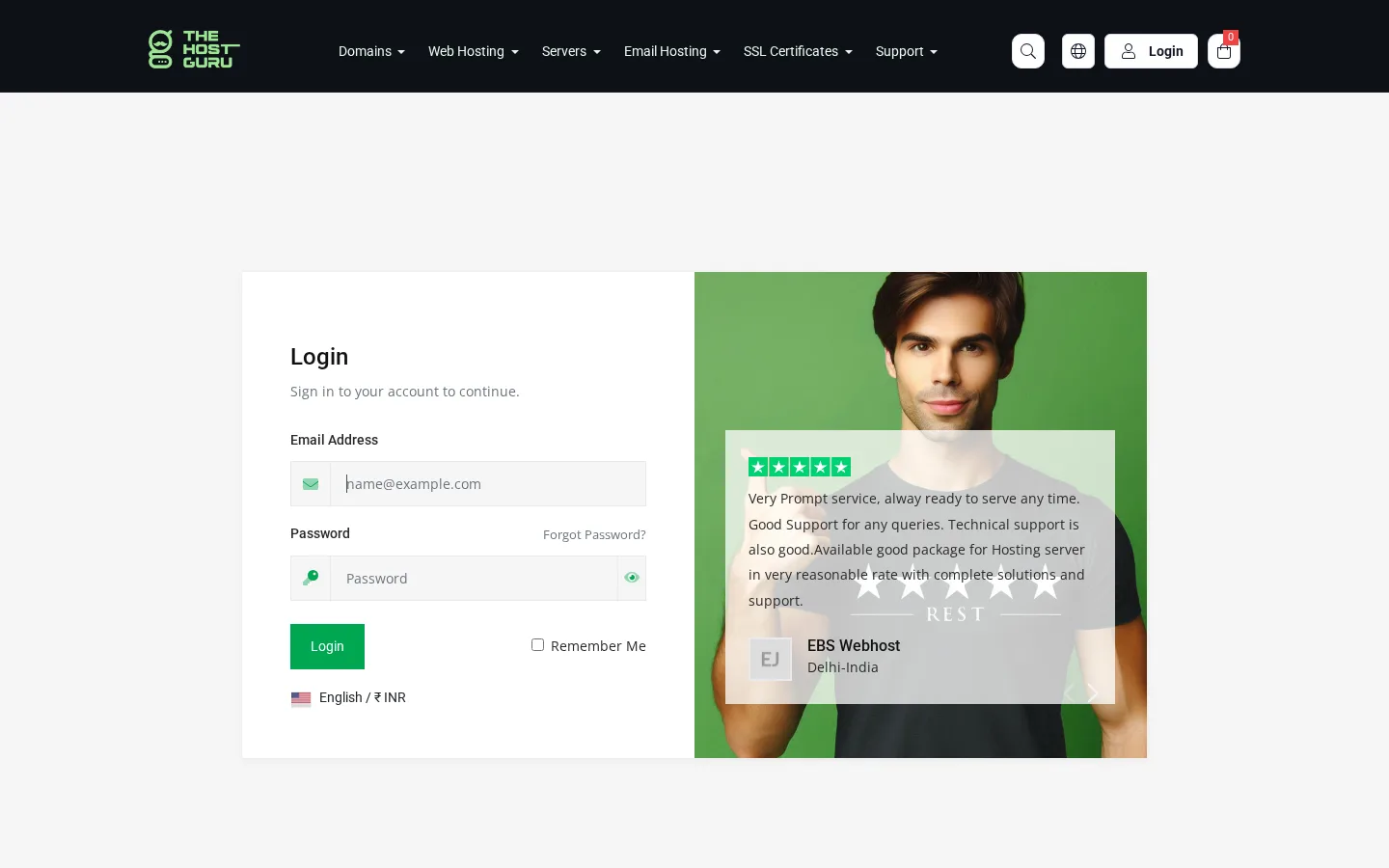
Step 3 — My Invoice
From the Dashboard, you can access My Invoices in two ways:
- Click on Invoices on the Dashboard, or
- Go to Menu Bar → Billing → My Invoices.
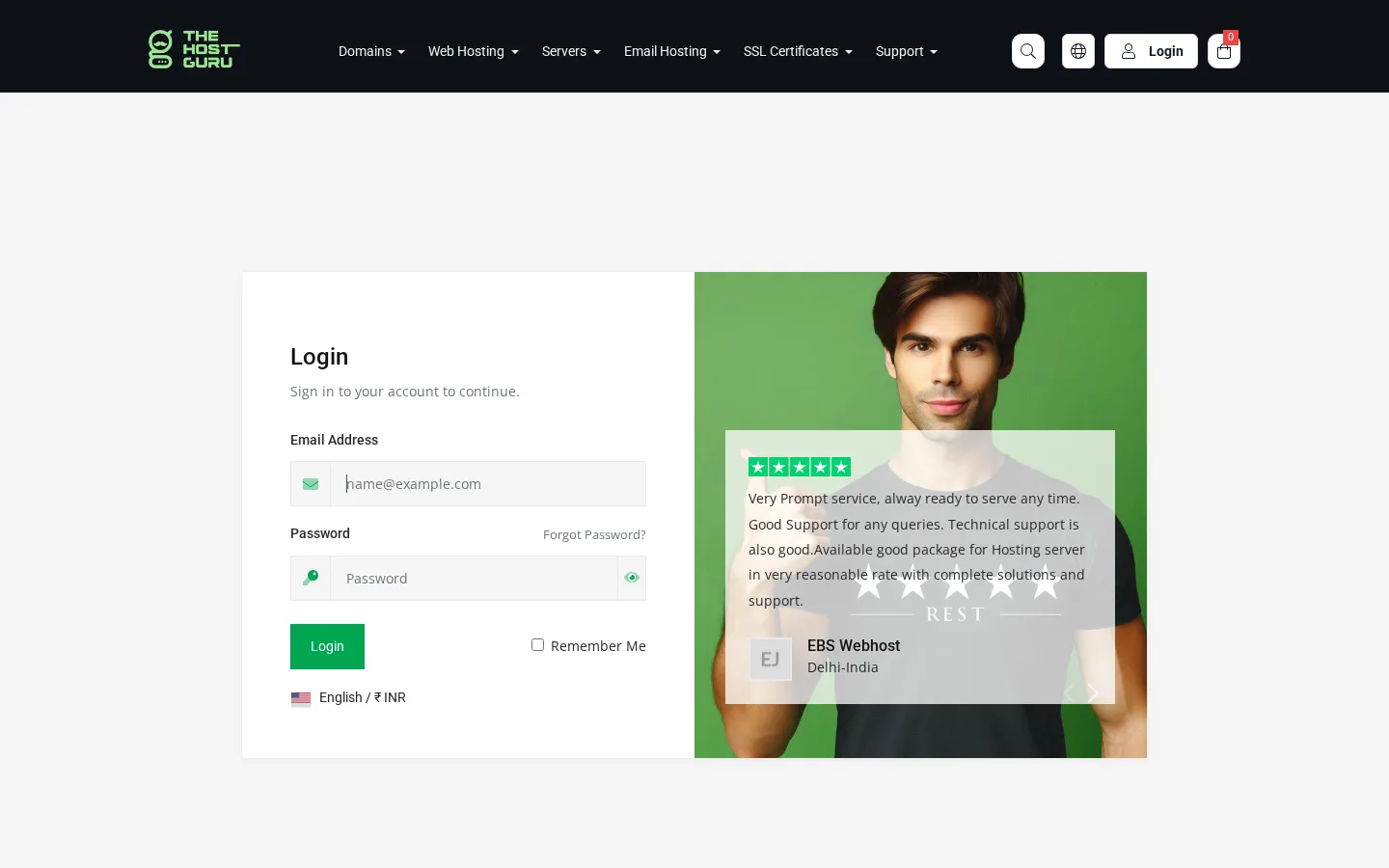
Both options will open the same page, where you can view all pending renewal invoices.
Step 4 — Invoices Dashboard
You may see:
- Domain renewal invoice
- Hosting renewal invoice
- Multiple upcoming renewal invoices
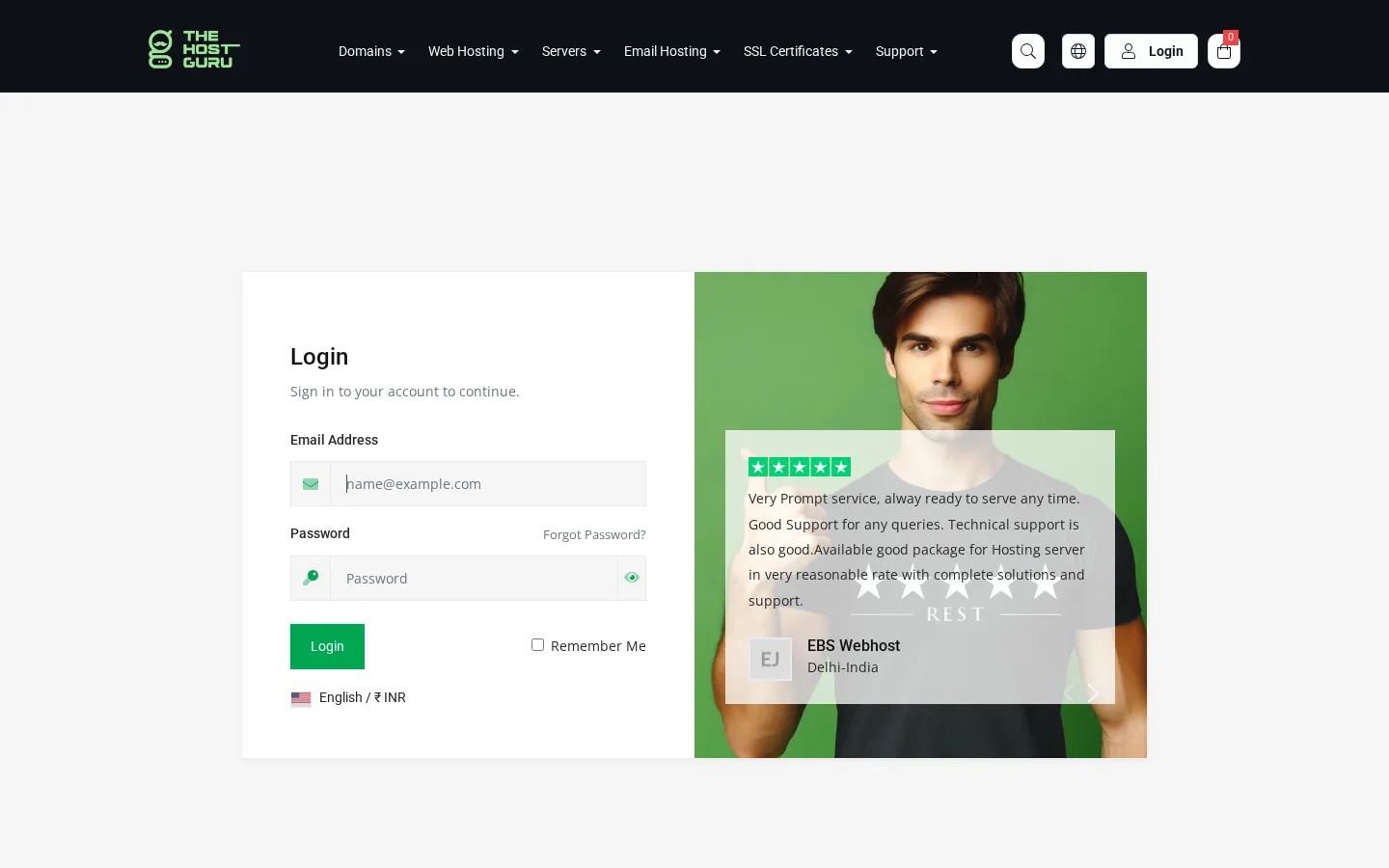
“Pay a Single Invoice follow Step 5, or follow Step 6 if you need to pay multiple invoices.”
Step 5 — Pay a Single Invoice
If you want to renew only one service, click the Pay Now button next to that invoice.
Select your payment method and complete the payment.
Once the payment is successful, that service will be renewed.
Step 6 — Pay Multiple Invoices Using “Pay All”
If you have multiple renewal invoices, you can use the Pay All option to pay everything together in one payment.
This is useful when:
- You have multiple domains to renew
- You want to renew domain and hosting together
- You want to make one combined payment
Click Pay All.
Select your payment method and complete the payment.
After successful payment, all selected services will be renewed automatically.
After payment:
- Invoice status will change to Paid
- Your renewal will be activated
- A confirmation email will be sent to your registered email address
Important Notes
- Use Pay Now for single invoice payment.
- Use Pay All for multiple renewal invoices.
- Please make sure the payment is completed successfully.
- Renewal activation may take a few minutes.